The update builds on Gemini’s existing role inside Chrome, where the assistant can already answer questions about a page, summarize content, or carry out basic tasks. With Skills, Google is shifting toward persistence, enabling users to repeat common requests without re-entering instructions each time.
A typical use case involves customizing how content is interpreted across sites. For example, someone browsing recipes could save a prompt that converts ingredients into vegan alternatives and reuse it on any similar page. Early testing also showed users applying Skills to tasks like calculating nutrition information, comparing products while shopping, and summarizing long documents.
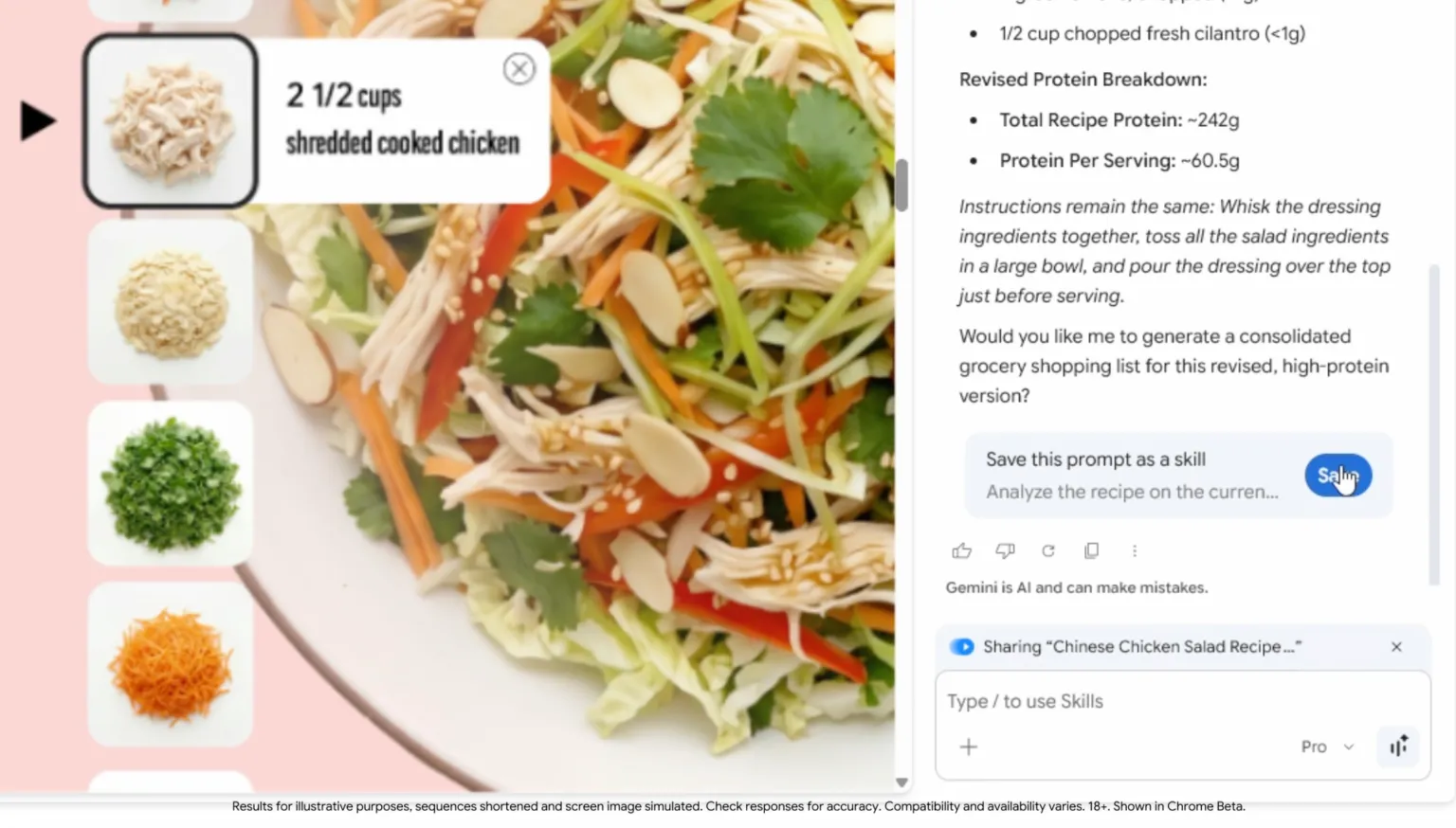
Google is also introducing a Skills library to seed adoption. The library includes pre-built prompts for common workflows across categories such as productivity, budgeting, and recipes. Users can add these templates to their collection and modify them as needed.
As with other Gemini actions in Chrome, certain tasks will require user approval before execution, including actions like sending emails or adding calendar events.
The feature is beginning to roll out to desktop Chrome users who are signed into a Google account, with initial support limited to browsers set to English (U.S.).
This analysis is based on reporting from TechCrunch.
Images courtesy of Google.
This article was generated with AI assistance and reviewed for accuracy and quality.
