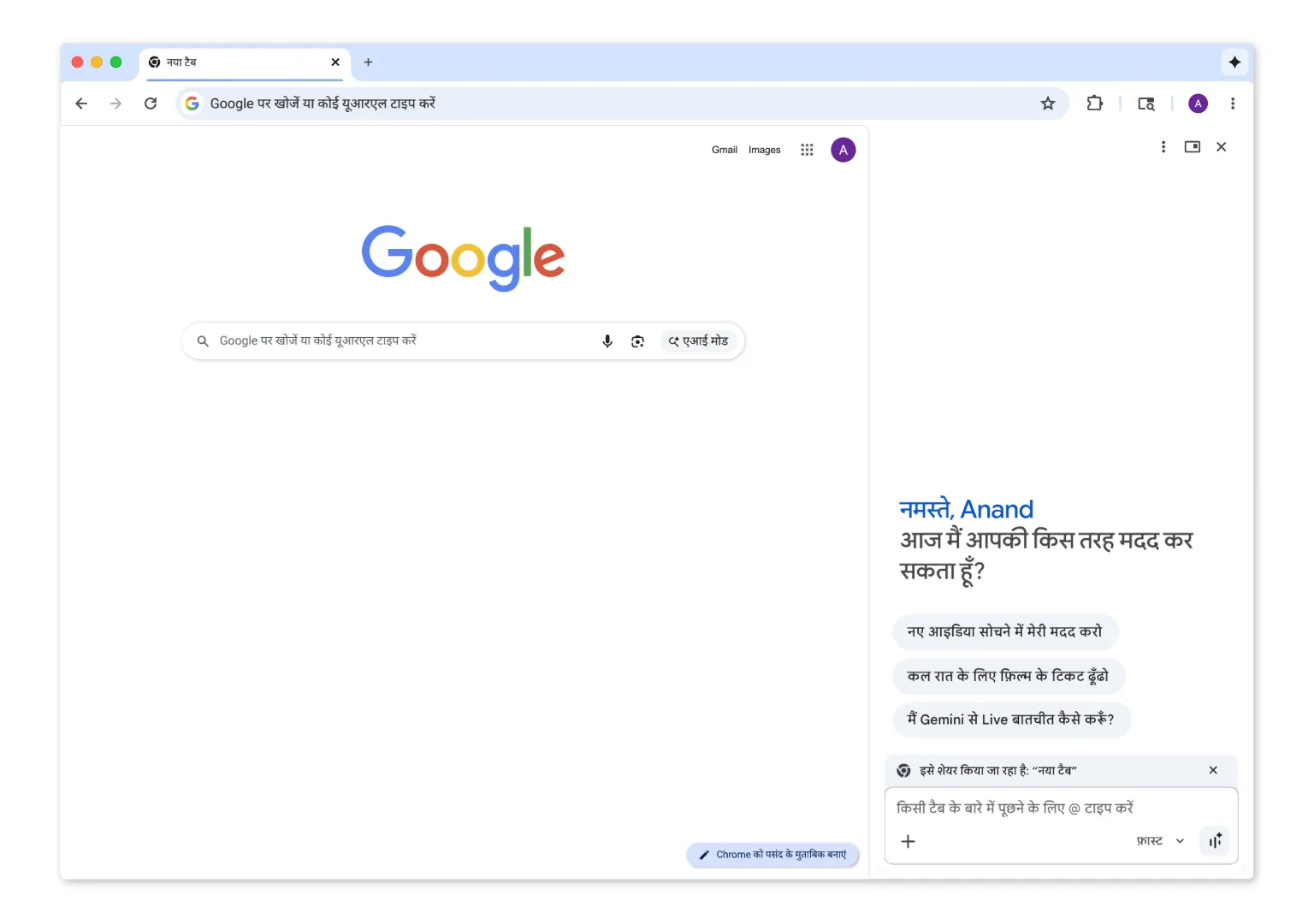
From the sidebar, Gemini can analyze the content of the active tab and respond to prompts such as summarizing a long article or generating a quiz to help review a topic. Google also says the assistant can work across several open tabs simultaneously, allowing users to reference multiple pages in a single prompt — a feature designed for tasks like comparing products or evaluating travel options.
The browser integration also connects Gemini with several Google services. Through these integrations, users can retrieve information from apps such as Gmail, Maps, Calendar, and YouTube and use the assistant to carry out actions. For example, Gemini can draft an email from within the sidebar and send it without requiring the user to navigate away from the current page. It can also summarize a YouTube video and provide key points alongside timestamps.
In addition to text-based tasks, the assistant can access Google’s Nano Banana 2 generative AI tool to modify images. Users can upload a photo — such as a picture of a room while shopping for furniture — and ask Gemini to transform the image to preview how a product might look in the space.
Google says Gemini in Chrome is rolling out on desktop systems and, in India, will also be available on Chrome for iOS, where the option appears through a page tools icon in the address bar.
The update also expands language support. Gemini will work in English, Hindi, Bengali, Gujarati, Kannada, Malayalam, Marathi, Telugu, and Tamil, along with additional languages supported by Chrome’s broader feature set.
Some advanced capabilities remain limited to U.S. users. Google said that recently introduced agentic features — which allow AI to take control of the browser and complete tasks on a user’s behalf — will not be included in the new rollout. Those tools remain restricted to AI Pro and AI Ultra users in the United States.
This analysis is based on reporting from Google.
Images courtesy of Google.
This article was generated with AI assistance and reviewed for accuracy and quality.
